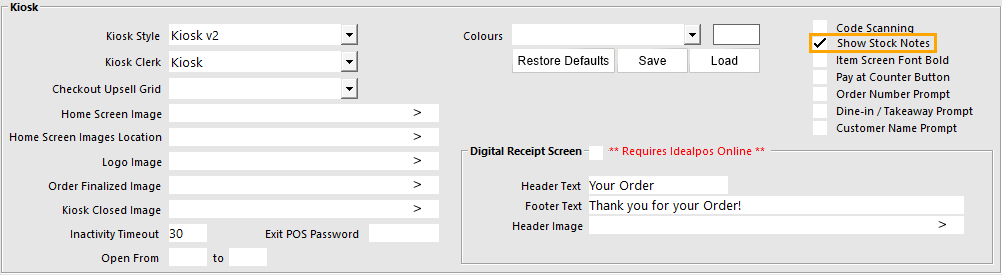
Stock Notes are supported on the Kiosk when the Show Stock Notes option is enabled in Back Office > Setup > Yes/No Options > Kiosk > Show Stock Notes on Item Detail Screen.
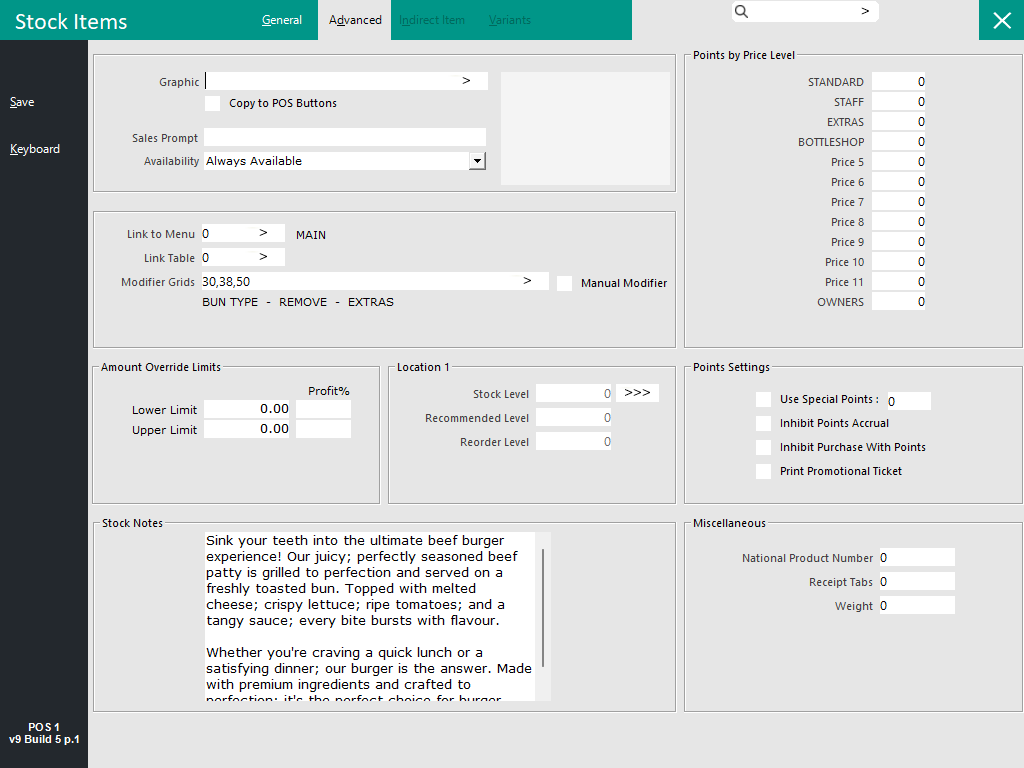
Configure the Stock Notes in the Stock Item Advanced tab (Back Office > File > Stock Control > Stock Items > Select a Stock Item > Modify > Advanced).
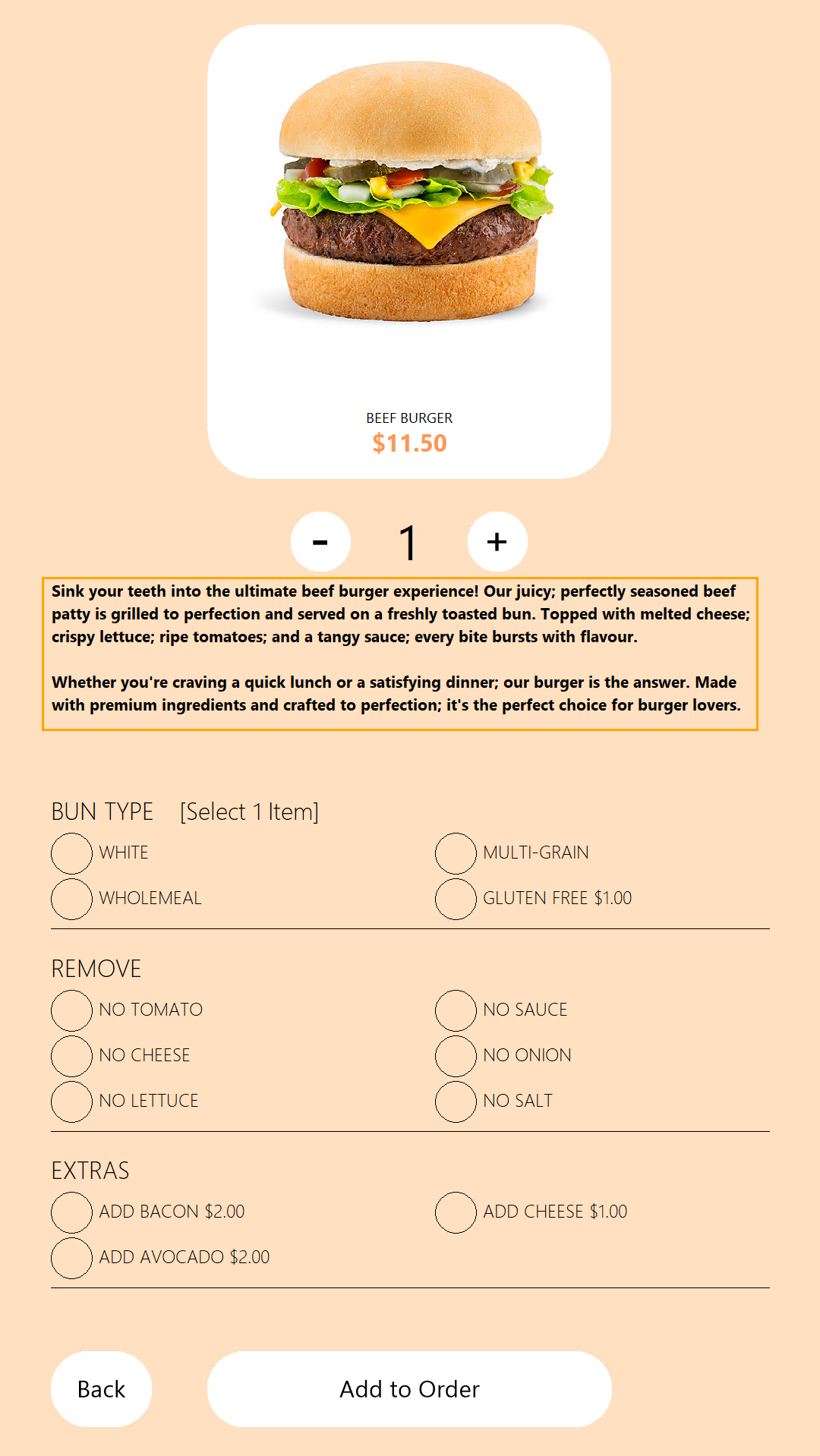
When the customer presses on the Stock Item on the Kiosk screen, the Stock Notes will be displayed at the top of the screen as per the example below: